Review: Simply B&W

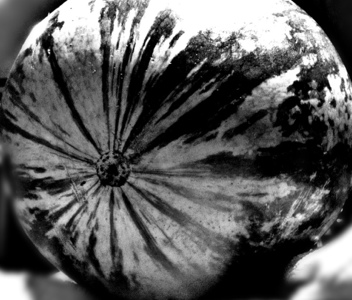
Now and then I come across a photo app for the iPhone that is so good I must share it.  I recently saw a review of an app called “Simply B&W” and couldn’t wait to try it out.  It is exactly what the name says:  it does simple black and white processing on any photo.  You can choose something from your library, or take a pic.

Then, there is a limited but quite useful set of processing options:  you can apply a filter (red, green, blue, yellow, orange) to an image; or you can adjust brighness, contrast, and grain.  GRAIN!  Exactly what I’ve been missing the most, with digital.  I used to rely heavily on grain to create all kinds of atmosphere in a print.  I like grain and never considered it to be a flaw in film that had to be worked around.  Now, finally, I can add grain to a digital pic.

Simply B&W is NOT an editing program: it doesn’t have cropping, for instance.  It does one thing and does it well:  take a color photo and turn it into a high-quality black and white photo.  You can then pull that into your favorite editor, such as Iris, to do further work on an image.

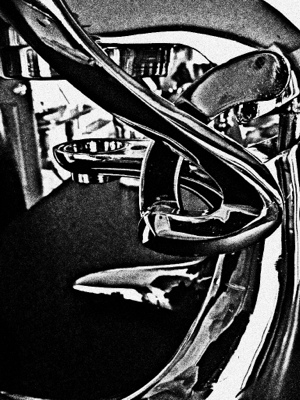
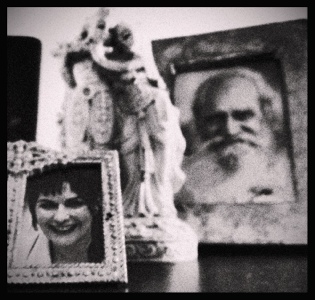
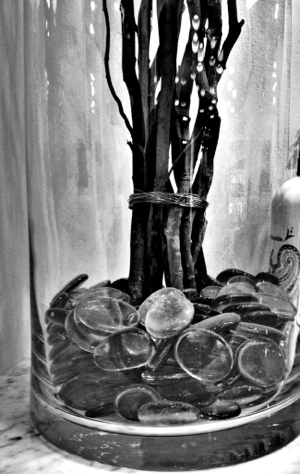
Here are some quick pics using Simply B&W:

20120715-180553.jpg

20120715-180655.jpg

20120715-180853.jpg

Leaps of faith

20120716-094041.jpg

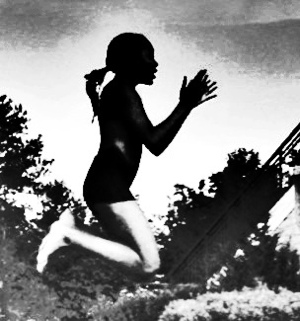
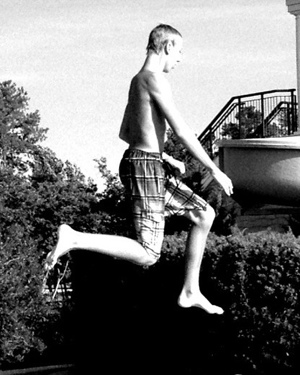
20120716-094028.jpg I went to the pool to hang out with friends, and by some quirk of fate, everyone was leaving as I was arriving.  This could have precipitated some sulking on my part, but instead I decided to use my energy to take pictures of people jumping off the diving board.

I was incredibly fortunate that I could position myself so that the jumpers were against a dark screen of bushes whilst in mid-air.  In the top pic, I got the upper body almost black against the sky, and the lower body white against the black background.

The tall fellow in the plaid shorts was a perfect subject.  He was so tall and angular that he seemed to move in slow motion and I had plenty of time to get the shot.

I’ve said it before and I’ll say it again, if you don’t hold a camera up to your face, and can get a couple of feet away from someone, stick your phone in their face and take a picture, and they won’t notice.  Try it yourself, takes a while to get up your nerve, but once you get the technique down, you’ll get some good shots.

– The Daily Grunge

Sad story with a happy ending

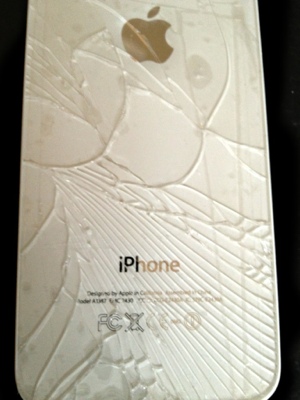
Started the day like this:20120804-170417.jpg

Ran to the Apple store, completely forgetting Tax-Free Weekend in NC.  Which meant, no Geniuses would available to fix my phone.  Wandering around the mall aimlessly, I found one of those kiosks where they sell phone cases. I flashed my busted-up mess of a phone, and the gent working there (below) said “I can fix that”.  And he did!  $29 and it’s good as new.  Now I have a cool black titanium case, which makes me feel ultra-confident.

Pic below taken with said iPhone, PaintFX app with ProHD and sharpen effects.20120804-170433.jpg

P.S. Extra credit points if you know what frat sign this is 🙂

– the Daily Grunge

Blue cup

20120711-140805.jpgI swear I do my best work when I’m supposed to be doing something else. I just came across this image that I did a couple of weeks ago and forgot to add to the blog. I was on a Friday-afternoon conference call, the kind in which I have nothing to contribute except saying “uhn hunh” every now and then. When in actuality, what I’m doing is tappety-tapping away on my iPhone, reflexively clicking on image after image, modifying and enhancing. I snapped a picture of the cup of coffee which was supposed to be getting me through the meeting and before I knew it, I had this image and instantly was wide awake. Yessss! Nailed it.

And I’m sure if I had 10 free minutes and TRIED to take a picture, nothing would have happened.